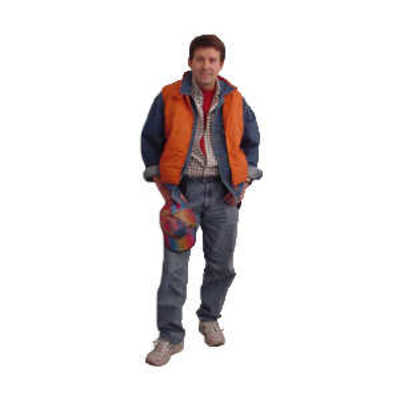
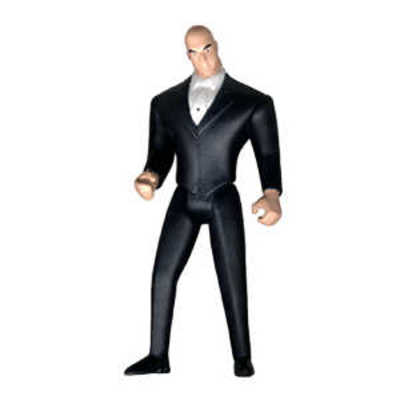
Facebook Banner
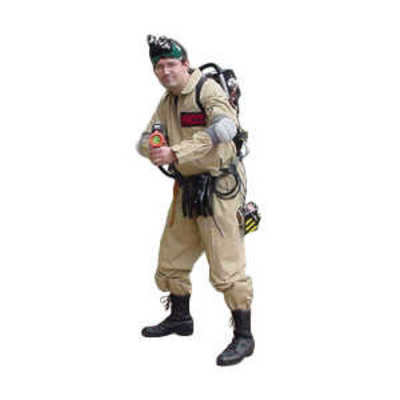
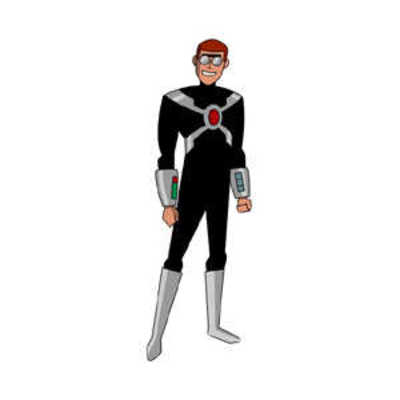
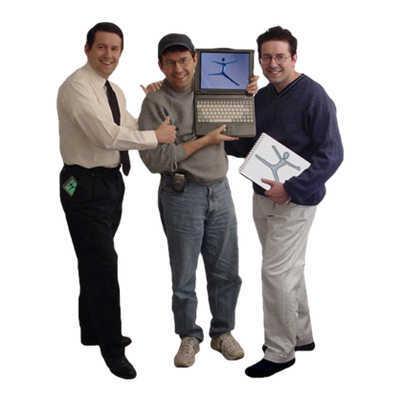
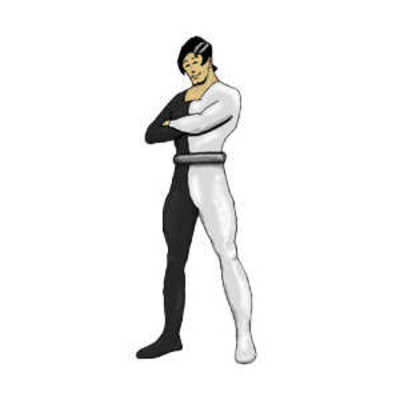
I have had some requests for images like the ones seen in my Facebook profile, so I’m making mine easily available, including a few that I don’t currently use.
Instructions
Step 1
Download each of the images you want below to your computer. That means right-click on each one and save it.
Step 2
When you’re done, then upload each one to Facebook as you would a normal photo. I recommend putting them in an new photo album with permissions set so that “Everybody” can see them. Bear in mind that the last one you upload will likely be the first one that appears on your Facebook page. And of course, no more than five will be visible at the top of your Facebook page.
Step 3
Write a good description for each image. For example, on the Flickr one, you want to include the web address of your Flickr account. Same for all the others.
Step 4
Tag yourself in each image. This is what tells Facebook that you want them to appear at the top of your Facebook page.
Step 5
You’re done! Go to your Facebook page and check it out.
Over time, people may tag you in photos, and those photos will “push”
these images off the page. That’s easily fixed. Just click the small (x) in
the upper right of any photo that you do not want at the top of your Facebook page.
Problem solved!
Do you have a request for additional images to match these? Contact me!


One Comment
Trackbacks
Comments are closed.